
The Hotelia Dispatch
Hotelia + Seam: Automatic Door Codes for Every Booking
Connect your smart locks and let Hotelia create, update, and expire every guest's code automatically.
Every guest needs a way into their room. Until now, Hotelia gave you one way to handle that: set a door code for each room by hand. It works well, and for a lot of properties it's all you need.
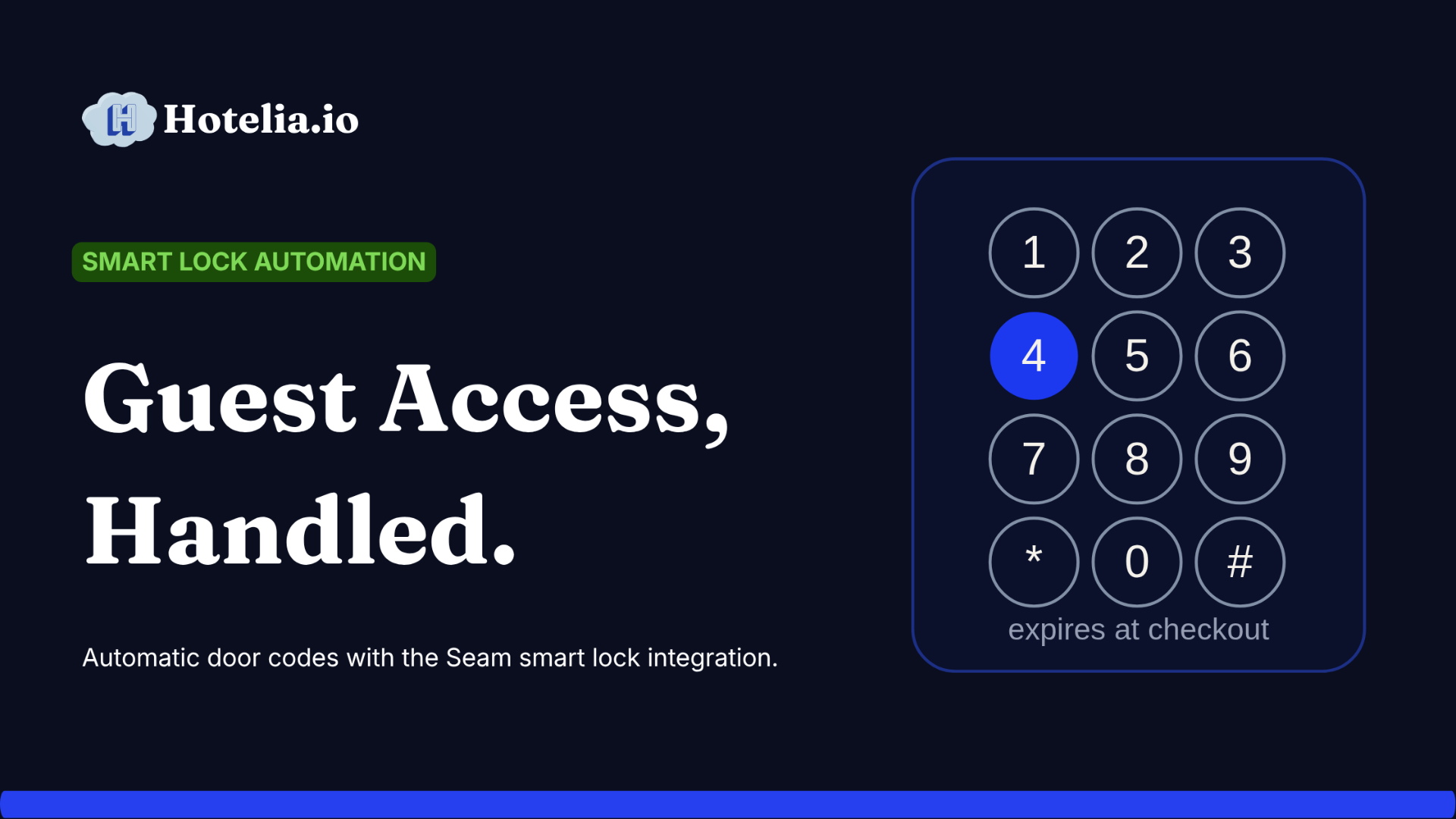
Today we're adding a second way. If your property has smart locks, Hotelia can now create every guest's code for you and turn it off when they leave. No setting codes, no deleting them, no keeping track of who's still able to open which door.
How guests get their code today
Before the new feature, here's the flow. In your Hotelia dashboard, under Settings, you set a code for each room. On the morning of arrival, guests complete a short pre-check-in, where they upload their ID, agree to your policies, and receive the code for their room. When they show up, that code lets them in.
That manual option isn't going anywhere. If you don't have smart locks, or you just like setting codes yourself, keep doing exactly that.
The new way: let Hotelia handle it
If your property has smart locks, you can now connect them to Hotelia through Seam.
Seam is a service that connects Hotelia to your smart locks. It supports August, Yale, Schlage, Salto, SmartThings, and more. Once it's connected, Hotelia can talk to your locks directly.
Here's what that gets you. Every booking gets its own code, created the morning the guest arrives. That code is unique to that one stay. When the guest checks out, it stops working. No shared codes, no old codes left active, no guest still able to open the door weeks after they left.
Setting it up takes a few minutes
In your Hotelia dashboard, under Settings, open Integrations and connect your Seam account. Then match each room to its lock so Hotelia knows which lock belongs to which room.
That's the whole setup. From then on, every booking gets its own code with no work from you.
It keeps up when bookings change
Bookings change all the time. Guests extend, cancel, or get moved to another room. Hotelia keeps the codes in sync with all of it.
A guest extends their stay, and the code stays active through the new checkout date. A guest cancels, and the code is removed. You move a guest to a different room, and the code follows them to the new lock. A guest never shows up, and the code turns off on its own. You never have to remember to update a lock.
What your guests notice
Nothing new to learn. On the morning of arrival, they complete pre-check-in and receive their door code, the same simple step whether you set the code yourself or Hotelia created it automatically. They open their door and their stay begins.
Which one should you use?
If you don't have smart locks, or you prefer to set codes by hand, stick with manual PINs. Nothing to install, no monthly fee.
If you have smart locks and want to stop thinking about codes entirely, connect Seam. Set it up once and every future booking runs on its own.
Either way, your guests get into their rooms.
Thanks for reading The Hotelia Dispatch!
Subscribe to get new posts delivered to your inbox.
See Hotelia in Action
Hotelia is a modern booking engine and property management platform built specifically for independent hotels. Keep more of what you earn with 0% commission on direct bookings.